Chrome Clipboard
Note: Improved copy&paste functionality is now integrated in the main Jupyter notebook
This notebook extension adds system clipboard actions pasting images.
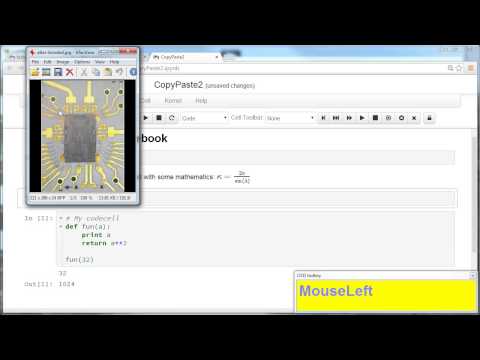
A demo showing single-cell copy & paste operating in Chrome is available on youtube: youtu.be/iU9dNe4vMUY
This extension works only for Chrome, as other browsers do not expose the system clipboard to Javascript.
Hotkeys:
CTRL+V- Paste image from system clipboard
You can specify a target subdirectory using the dragdrop.subdirectory
parameter in the notebook configurator. This is the same subdirectory
as used in the dragdrop extension.
Internals
The image pasted from clipboard will be uploaded to the notebook directory. A unique ID will be generated as image filename.